


Contact for Pricing
HIGH SPEED SATELLITE INTERNET RENTAL
- $150 1 week
- $250 2 weeks
- $400 3 weeks
- $500 4 weeks
Description
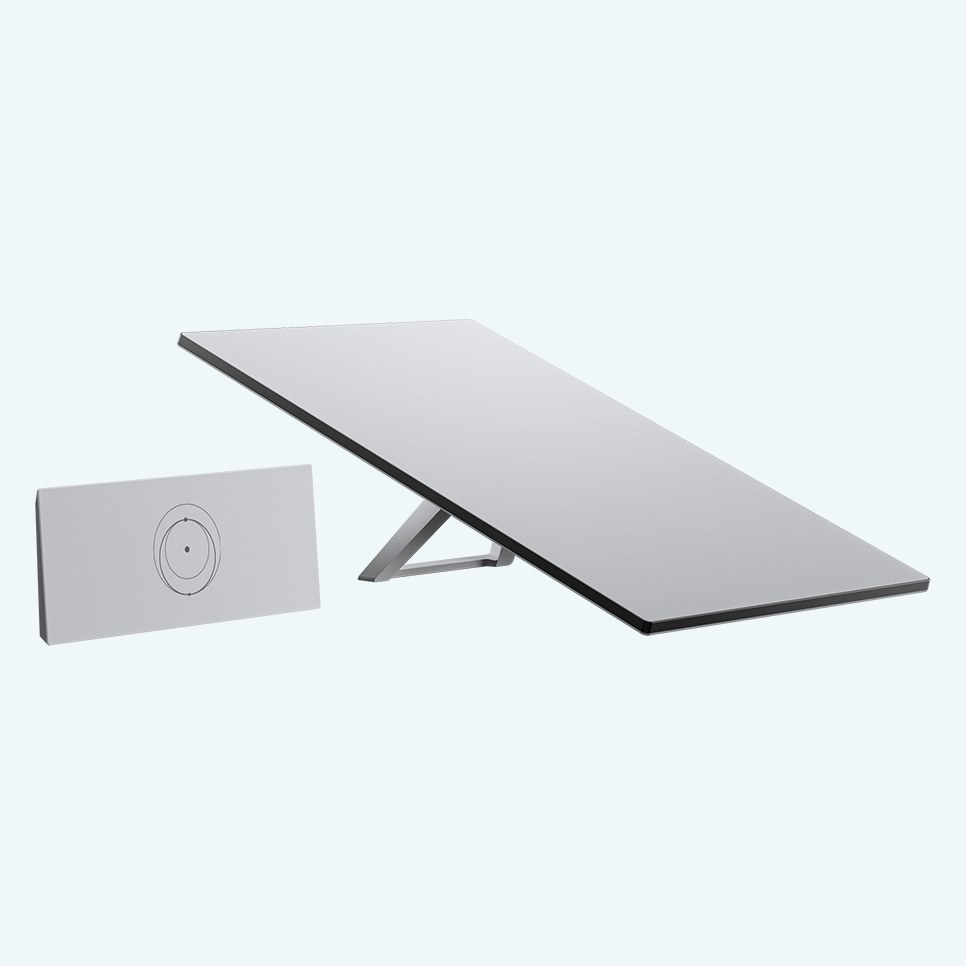
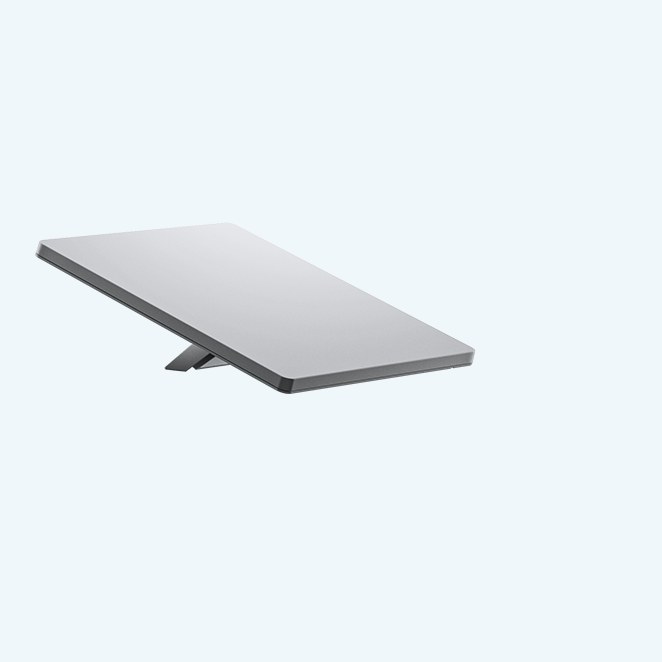
Rent a Starlink satellite internet kit from Wi-Com and get high-speed internet anywhere with a clear view of the sky. Short-term and long-term rentals are available.
Perfect for
Easy to use
Online in minutes
1
Download the Starlink app.
2
Check that you have a clear view of the sky.
3
Place the dish outside at that location.
4
Plug the dish into the Wi-Fi router.
5
Plug the router into a power source.
6
The dish adjusts itself to the satellites.
7
Connect to the Wi-Com Wi-Fi network and enter the password provided.
8
Start working online.
Everything included
What comes in the box
Contents of the Starlink Standard kit, as listed by Starlink.
Built for Canadian weather
Starlink Standard key specs
| Field of view | 110° |
|---|---|
| Environmental rating | IP67 Type 4 |
| Operating temperature | -30°C to 50°C (-22°F to 122°F) |
| Wind | Operational in 96 km/h+ (60 mph+) |
| Snow melt | Up to 40 mm (1.5 in) per hour |
| Power use | 75–100 W average |
| Wi-Fi | Router 3: Wi-Fi 6, tri-band 4×4 MU-MIMO |
| Wi-Fi coverage | Up to 297 m² (3,200 ft²), up to 235 devices |
Specifications from Starlink’s Standard specification sheet. Starlink speeds are not guaranteed and will be slower during times of congestion.
Rental terms
Ready when you are
A valid credit card and driver’s licence are required to rent. Tell us your dates and location and our team will confirm availability.
Request a rental quoteCall 1-855-859-4266
Additional information
| Manufacturer |
|---|
Rental information
REQUIRES VALID CREDIT CARD AND DRIVERS LICENSE TO RENT.
Related products


Get in touch
Questions about this product?
If you have any questions or comments we would be pleased to hear from you. Call our customer service team or send us a message and one of our experts will be in touch.
- Call1-855-859-4266
1.855.85.WICOM - Emailsales@wicom.ca
Send us a message
Quotes, rentals, programming or service: tell us what you need.