
HOW TO PAIR THE MOTOROLA PMMN4127 WIRELESS BLUETOOTH MIC WITH YOUR PHONE FOR USE WITH THE WAVE PTT MOBILE APP
March 7, 2023
The WAVE Mobile PTT app can turn your phone into a two-way radio so it can be used on the Motorola WAVE platform. It allows supervisors to carry only one device, track their employees, create GeoFences, receive SOS alerts and send and receive pictures and files. With the wireless BT mic you can keep you phone in your pocket and just use the speaker mic as your PTT device.
Below are some instructions on how to pair your BT device to your phone for use with the WAVE PTT mobile app:
First thing is to ensure that both your devices are fully charged
Pairing the RSM through Bluetooth
- While RSM is power off, press and hold the Power button until you hear “Power On” followed by “Searching for Host”, and the blue LED blinks.
- From the compatible device, search and select “WM500” from the Bluetooth list.
- Once the devices are paired successfully, a tone is played.
- A voice prompt from the RSM indicates that the device is “Connected”.
- For iPhone, choose RSM from the Bluetooth list and pair again for second time.
Pairing the RSM through NFC
- While RSM is power off, press and hold the Power button until you hear “Power On” followed by “Searching for Host”, and the blue LED blinks.
- Align the NFC locations on both the RSM and the compatibles devices.
- Check the compatible device for indication of successful pairing.
Unpairing the RSM
- While RSM is power off, press and hold the Power button and PTT buttons.
- The blue LED blinks and a voice prompt from the RSM indicates that the paired device is “Cleared”.
Note: Always unpair the WM500 from the Bluetooth host and ensure that the paired device is “Cleared” before starting another pairing process.


Motorola TALKABOUT T380: Compact Walkie Talkies
A look at the Motorola TALKABOUT T380 Series (yellow T380 and blue T383): IP54 weatherproof, pocket-sized walkie talkies with up to 18 hours of battery life, NOAA alerts and FRS licence-free channels for hiking and camping in Canada.
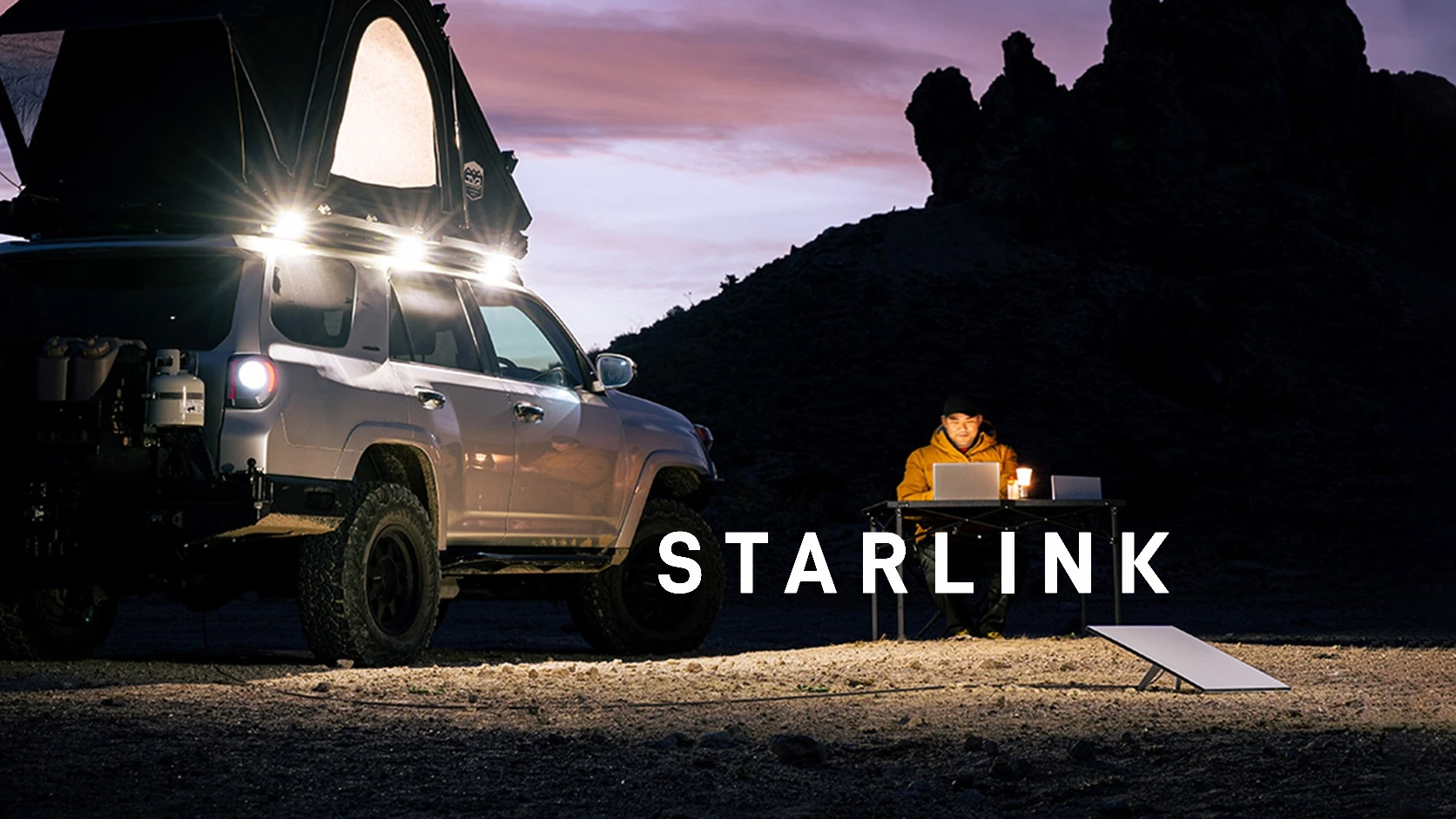
Starlink Satellite Rentals in Canada: Camp Connected
No lines on site? Cell signal dropping to one bar the second you leave the highway? Out here, that's normal.

Smarter Business Security with Avigilon Alta and Wi-Com Solutions
Smarter Security, Wherever You Are: Cloud Solutions from Wi-Com Keeping your business secure means knowing what is happening, even when
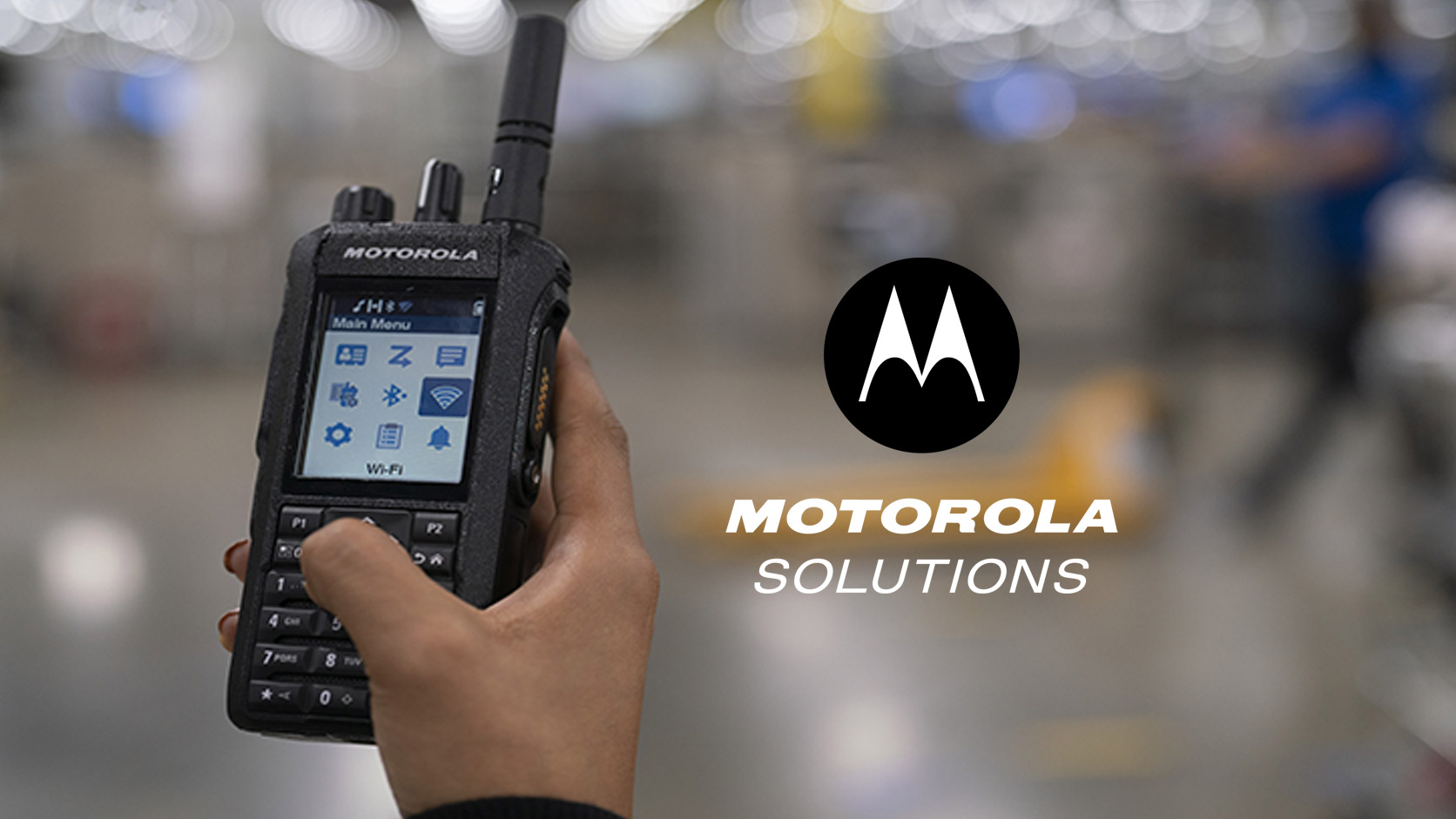
Motorola R2, R5 or R7: Best Two-Way Radio for Your Team
Whether you’re coordinating crews on a construction site, managing warehouse operations or keeping an event running smoothly, clear communication helps
Get in touch
Questions about this story?
If you have any questions or comments we would be pleased to hear from you. Call our customer service team or send us a message and one of our experts will be in touch.
- Call1-855-859-4266
1.855.85.WICOM - Emailsales@wicom.ca
Send us a message
Quotes, rentals, programming or service: tell us what you need.